
Does Instagram Notify Users When You Search for Them?
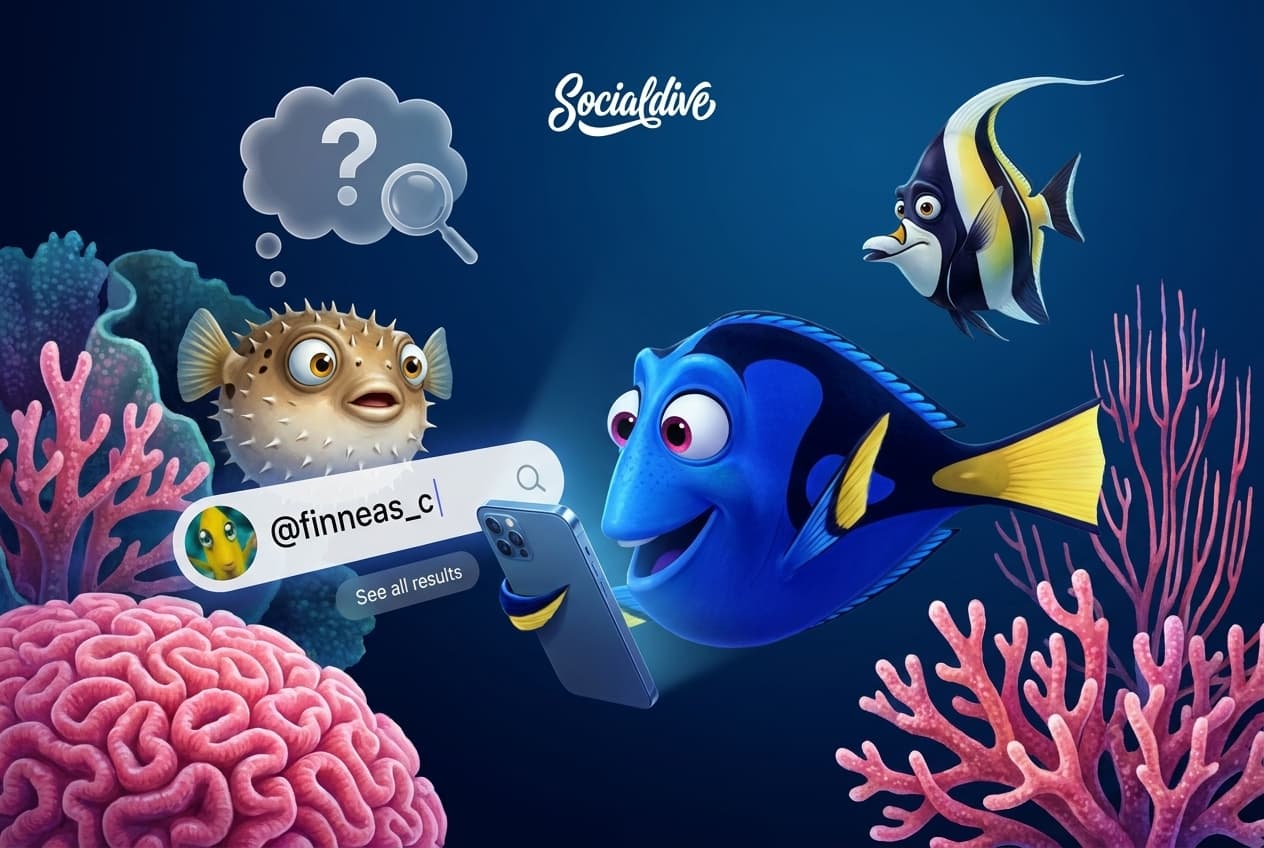
No. Instagram does not notify someone when you search their name or profile. You can type their username into Search all day and they will not get a pop up saying, “Hey, someone just looked you up.”
That said, Instagram is a master of indirect awkwardness. While searching is private, a couple of nearby actions can instantly reveal you, and they often happen by accident. One wrong tap and your quiet curiosity turns into a visible interaction.
What actually happens when you search for someone
When you search on Instagram, the platform saves that activity to your own recent searches. This is for your convenience, not to expose you. You can view and manage your recent searches, and you can clear them, although Instagram notes this is temporary and items may reappear when you search again.
So the search itself stays on your side of the screen. The person you searched does not get notified, does not see a list of “people who searched me,” and does not get a badge anywhere.
If you are worried about being “found out,” the bigger risk is not searching. The risk is what you do right after you find them.
The actions that DO reveal you (the real danger zone)
Instagram keeps search private, but it absolutely records engagement. The person can see you if you do things like:
- View their Story while logged in: Story creators can see who viewed their story.
- Follow them or request to follow: they get a notification.
- Like, comment, reply, react: notifications happen fast.
- DM them: also obvious, and sometimes that is the whole point, but let’s not pretend it is subtle.
In other words, searching is silent. Interacting is loud.
Why people think Instagram “told” them
This is where Instagram’s vibe gets messy. You search someone, and then you start seeing them in Suggestions. Or you notice they appear in your Explore feed. That can feel like Instagram is linking you together publicly.
But suggestions are not notifications. Instagram does have a setting to turn off account suggestions for your profile, which can reduce how often your profile is shown as a suggestion in certain places.
Also, if you ever message someone (or they message you), your Activity Status can show whether you are active unless you turn it off. That is not search related, but it can add to the “they know I’m around” feeling.
So the myth usually comes from timing: you search, then Instagram’s recommendation engine does something social, and your brain connects the dots. Instagram did not notify them. Instagram just made things awkward in its own unique way.
💡Pro Tip: Also read If I Block Someone After Viewing Their Story, Will They Know?
How to search quietly and keep it clean
If you want to look someone up without leaving extra breadcrumbs, here are the best practical habits:
Use search, but avoid tapping into actions that trigger notifications. The biggest one is Stories. If you view their story while logged in, your username can appear in the viewer list.
Clear your recent searches if you do not want your own account to keep suggesting their name to you every time you tap Search. You can manage and clear recent searches through Instagram’s tools.
If you want to browse public content more privately, use a workflow that does not tie your personal account to the view. This is where SocialDive.ai fits naturally: it’s built to help you view public Instagram Stories incognito and check public profile activity without the “oops, I tapped the story ring” moment. It’s basically the seatbelt for curious scrolling.
And if you want fewer suggestion collisions, consider turning off account suggestions for your profile.
Quick FAQ
Can someone see that I searched them on Instagram?
No. Instagram does not notify users about searches.
Can they tell if I viewed their Story after searching for them?
Yes. If you view their story while logged in, the creator can see that you viewed it.
Can I remove someone from my search history?
Yes. You can review and clear recent searches, though Instagram notes cleared searches may reappear if you search again.
Bottom line
Searching is private. Instagram will not snitch on you for typing a name into the search bar. What gets you caught is interaction: story views, follows, likes, comments, and DMs.
If your goal is quiet browsing of public content, keep your taps clean, clear your search history when needed, and use SocialDive.ai when you want to view public Stories login-free without attaching your personal profile to the view.
Ready to stop swimming blind?
View public Stories anonymously, track recent follows, and download profile pictures — all in total stealth mode. No new accounts, no traces, no drama.

Written By:
SocialDive Team
At Socialdive, we are social media analysts and content creators specializing in Instagram growth, follower analytics, and digital marketing strategy. We help brands and creators understand their audience and make smarter decisions with data.
 Log In