
How to Download an Instagram Profile Picture in Full Size
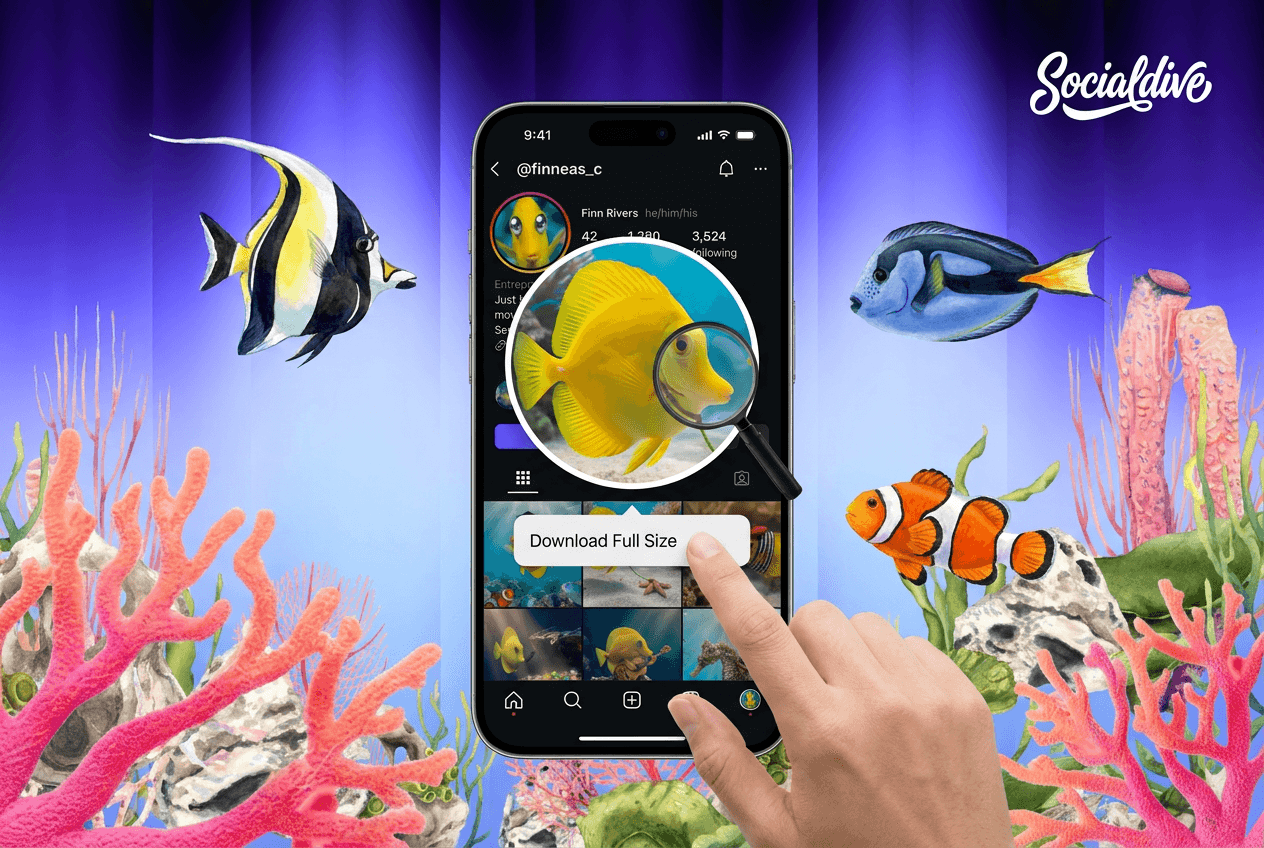
If you have ever tried to save someone’s Instagram profile picture (DP) and ended up with a tiny, blurry circle that looks like it was photographed through a potato, you are not alone. Instagram shows profile photos as thumbnails inside the app, so the clean way to get full-size quality is to download the image file instead of grabbing a screenshot.
Before we get tactical, one quick boundary: only download what you can legitimately access, which usually means public profiles (or private profiles you are approved to view). If it’s private and you cannot see it, there’s no “safe” method worth trusting.
The fastest method for public profiles: use a full-size DP downloader
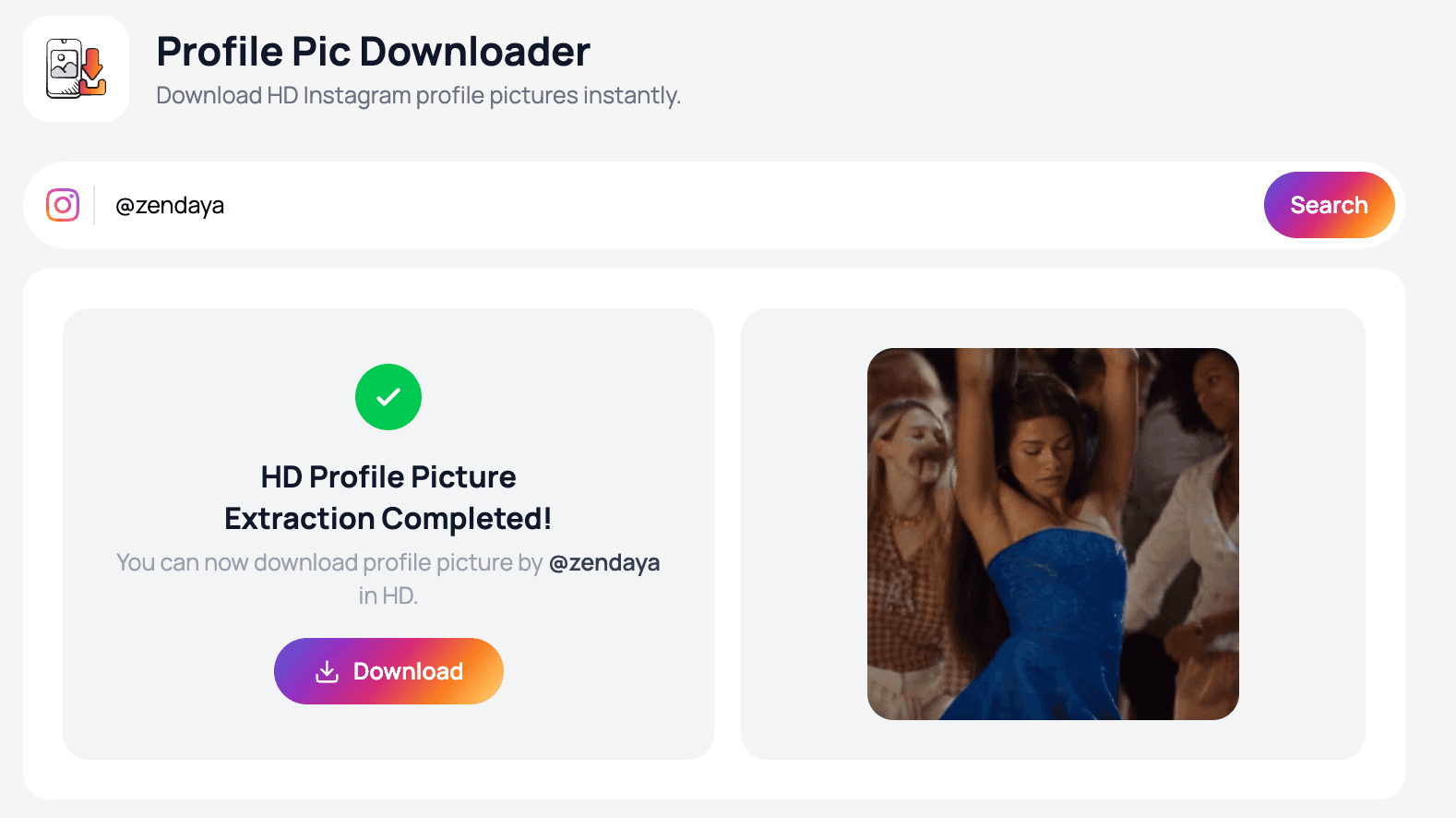
For public accounts, the simplest option is a tool that pulls the highest available resolution Instagram makes accessible for that profile picture and gives you a clean download.
SocialDive.ai is a great fit here because it’s built around discreet Instagram viewing workflows. You can download a public profile picture in full size without relying on low-res thumbnails. It’s also handy for the adjacent tasks people always end up doing right after: checking story content quietly and monitor follow changes.
Manual method: download via Instagram Web (works sometimes)
If you prefer doing it manually and the profile is public, Instagram on a desktop browser can sometimes make the profile image accessible in a way you can save.
A practical approach:
- Open the profile in a desktop browser.
- Click the profile photo if Instagram allows it to expand (this varies).
- If you can open the image itself in a new tab, use your browser’s Save image as option.
This method is inconsistent because Instagram can load images in ways that don’t expose a simple image URL. When it doesn’t work, don’t waste 30 minutes playing detective in your browser tools. That’s the moment most people switch back to a dedicated downloader.
💡Pro Tip: Also read The Best Way to Check Instagram Followers.
Why screenshots are the worst option (even if they feel easiest)
Screenshots “work,” but they’re messy:
- You capture UI elements and cropping.
- Quality is often worse than the original.
- Zooming the screenshot makes it look pixelated fast.
Also, many people worry about screenshot notifications. In general, Instagram does not notify for screenshots of normal content, but it can notify for disappearing photos or videos in DMs.
So yes, screenshots usually won’t alert someone, but they still produce a worse file than a proper full-size download.
Public vs private profiles: what’s realistic
Public profiles: you can usually download the profile picture using a tool like SocialDive.ai, or occasionally via Instagram Web.
Private profiles: if you are not approved to view the account, don’t trust any site claiming it can magically fetch the DP “anyway.” If a tool promises private access, that’s not “clever,” it’s a red flag for scams and credential harvesting.
Never enter your Instagram password into third-party tools
Any service that asks for your Instagram login credentials in order to "make you anonymous" is not a privacy tool. It's a risk to your account, your data, and potentially your personal information — regardless of how professional the site looks.
Tiny pro tip for cleaner results
If you’re saving the image for design, a blog example, or a contact card, your best result is:
- Download the full-size file (not a screenshot).
- Keep it as-is (avoid compressing it through chat apps).
- Store it in a folder with the username and date so you can find it later.
Future you will thank you.
Bottom line
If you want an Instagram profile picture in full size, skip screenshots and use a downloader designed for public profiles. SocialDive.ai is the clean, fast workflow for downloading public DPs in better quality, without fiddling with inconsistent browser behavior.
Ready to stop swimming blind?
View public Stories anonymously, track recent follows, and download profile pictures — all in total stealth mode. No new accounts, no traces, no drama.

Written By:
SocialDive Team
At Socialdive, we are social media analysts and content creators specializing in Instagram growth, follower analytics, and digital marketing strategy. We help brands and creators understand their audience and make smarter decisions with data.
 Log In